
Visitors tap a button. Their phone rings. Your team is on the line.
Add a call button to your website. A visitor enters their number, Growfone calls them, then connects them to your team through the routing you already have.
- No credit card required
- 14-day trial, 10 free minutes
- Live in 10 minutes
On every plan. Calls use your plan’s minutes. See pricing →
Website call request
northwindrealty.com/listings/oak-street
- Visitor asked for a call+1 512 555 0144 · captcha passed
- Growfone called the visitorAnswered after 2 rings
- Put through to Sales queueOlivia Bennett answered · 04:12
We call them. You talk to them.
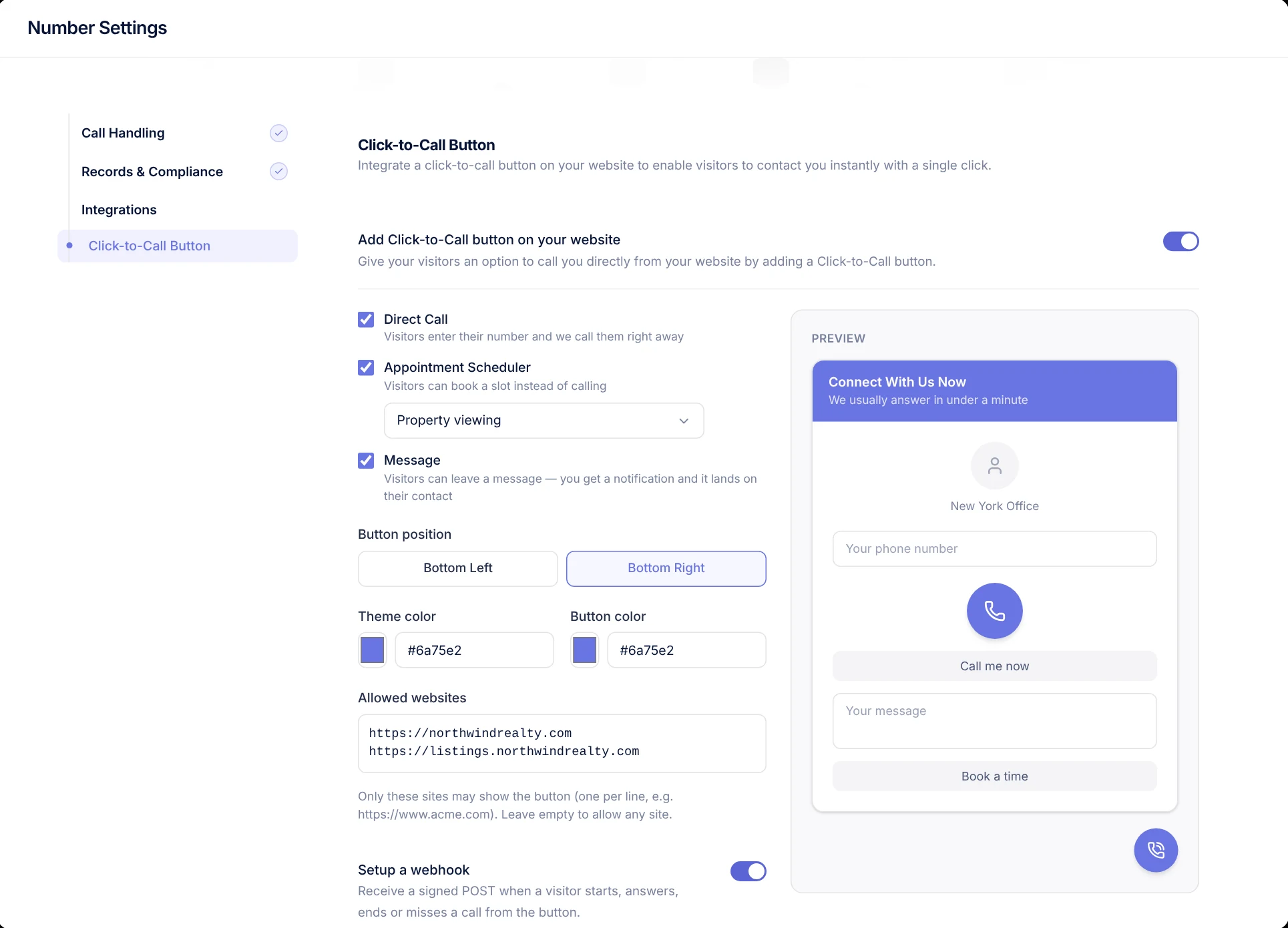
The visitor types their number and taps the button. Growfone calls them first, then puts the call through the number’s routing, so it rings the right people.
- Uses the routing, hours and queues you already set
- “Book a time” opens one of your booking links
- “Message” takes their name, number and note when you are closed
Closed? They leave a message.
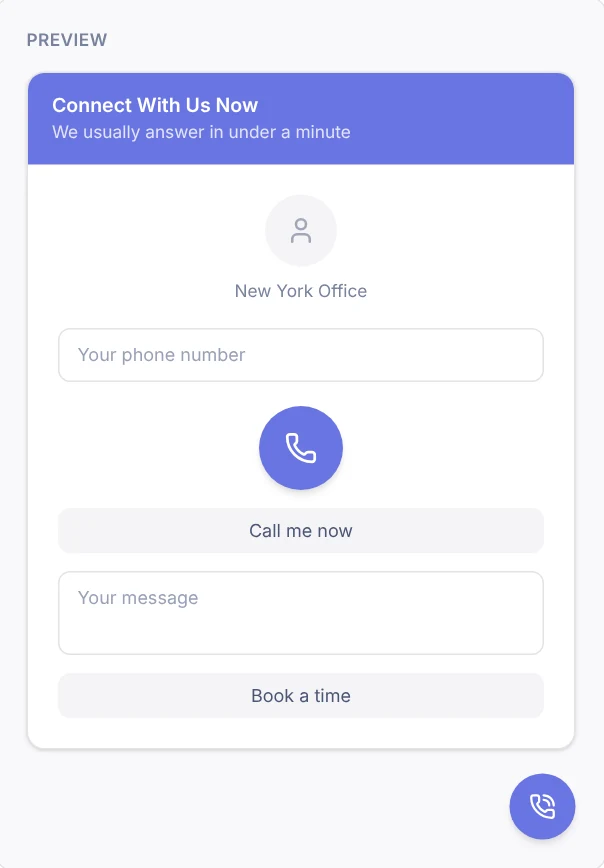
Outside your hours the visitor can leave their name, number and a note. Your team gets a notification, and the message lands on the contact, created if they are new, ready for a callback.
- The number’s people are notified straight away
- A “website message” on the contact’s timeline
- Or let the AI receptionist take the call after hours
Daniel Kim
New contact · +1 646 555 0131
- Website messageFrom the click-to-call button · 9:12 PM
- Called back by Liam CarterNext morning · 8:04 AM · 5:18
One line of code. Your colours.
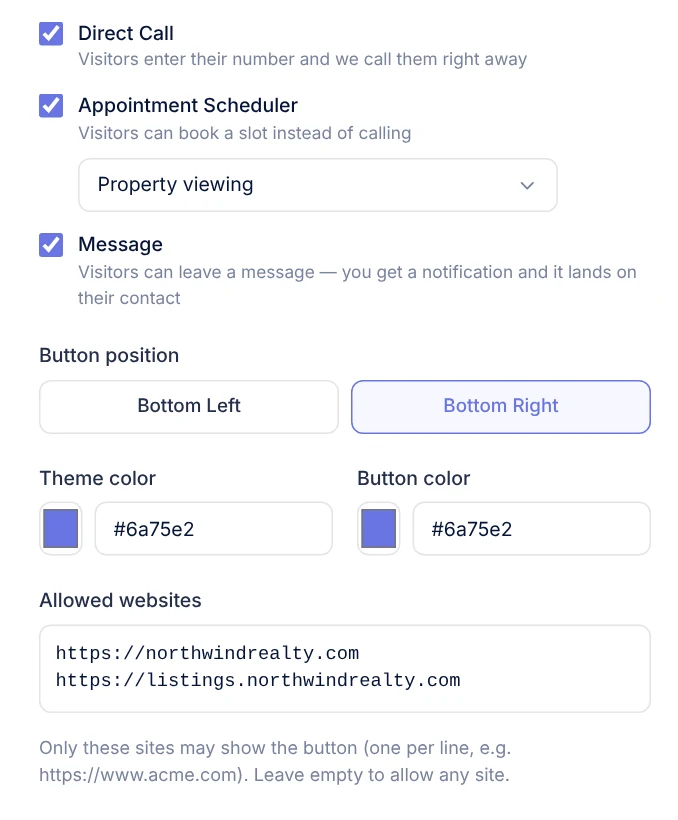
Pick the colours, position and options, then paste one script tag into your site. It keeps to itself, sets no cookies and won’t change your styles.
- Theme and button colours, position and button style
- Only works on the websites you list
- Turn call, book a time and message on or off
Embed code
Copy<script async
src="https://…/YOUR-KEY/widget.js">
</script>Paste it once, before the closing body tag.
Every call, in your own systems.
Add a webhook address and Growfone posts each call event as it happens, signed with your secret, so your CRM or analytics can count website calls next to your other leads.
- Events when a call starts, is answered, ends or is missed
- Signed with HMAC-SHA256, with a timestamp
- Visitor number, status, times and talk time in each event
Webhook delivery
POST · your endpoint · signed with your secret
X-Growfone-Signature:
  t=1794843741,v1=9f2c…a71e

{
  "type": "call.answered",
  "data": {
    "visitor": "+15125550144",
    "status": "in_progress",
    "answeredAt": "2026-11-16T15:42:21Z"
  }
}
HMAC-SHA256 over the timestamp and body, so you can check it came from Growfone.
Built to stop abuse.
Every call request passes a captcha and limits, so the button can’t be used to run up your bill or ring strangers.
- Up to 3 call requests an hour per phone number and per visitor
- Only the countries your workspace allows
- Numbers on your block list are refused
Call requests
This week · numbers masked
Click-to-call button questions
Turn website visitors into calls. Start free today.

