
Customers pick a time. No back-and-forth.
Share a booking link in a chat, an email or on your website. Customers choose a free slot, and the meeting lands on your calendar with the video link and reminders.
- No credit card required
- 14-day trial, 10 free minutes
- Live in 10 minutes
On every plan. See pricing →
One link for you, your team or everyone.
Make a link for each kind of meeting. Growfone only offers times when the right people are free.
- One-on-one, round robin (fewest recent bookings first) or everyone together
- Working hours per host and day, buffers before and after
- Minimum notice, how far ahead, and a daily limit
Send the link where the chat is.
Copy a link into a WhatsApp chat, an email or your signature, or put it on your website. The same link sits behind “Book a time” on your click-to-call button.
- One short link per kind of meeting
- Embed the page on your website or link to it
- Switch a link off without deleting it
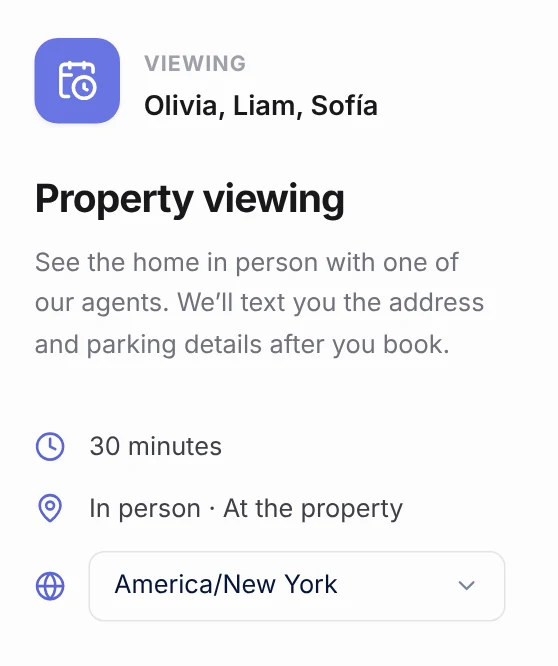
Property viewing Active
30 min · Round robin · Olivia, Liam, Sofía
Share it in
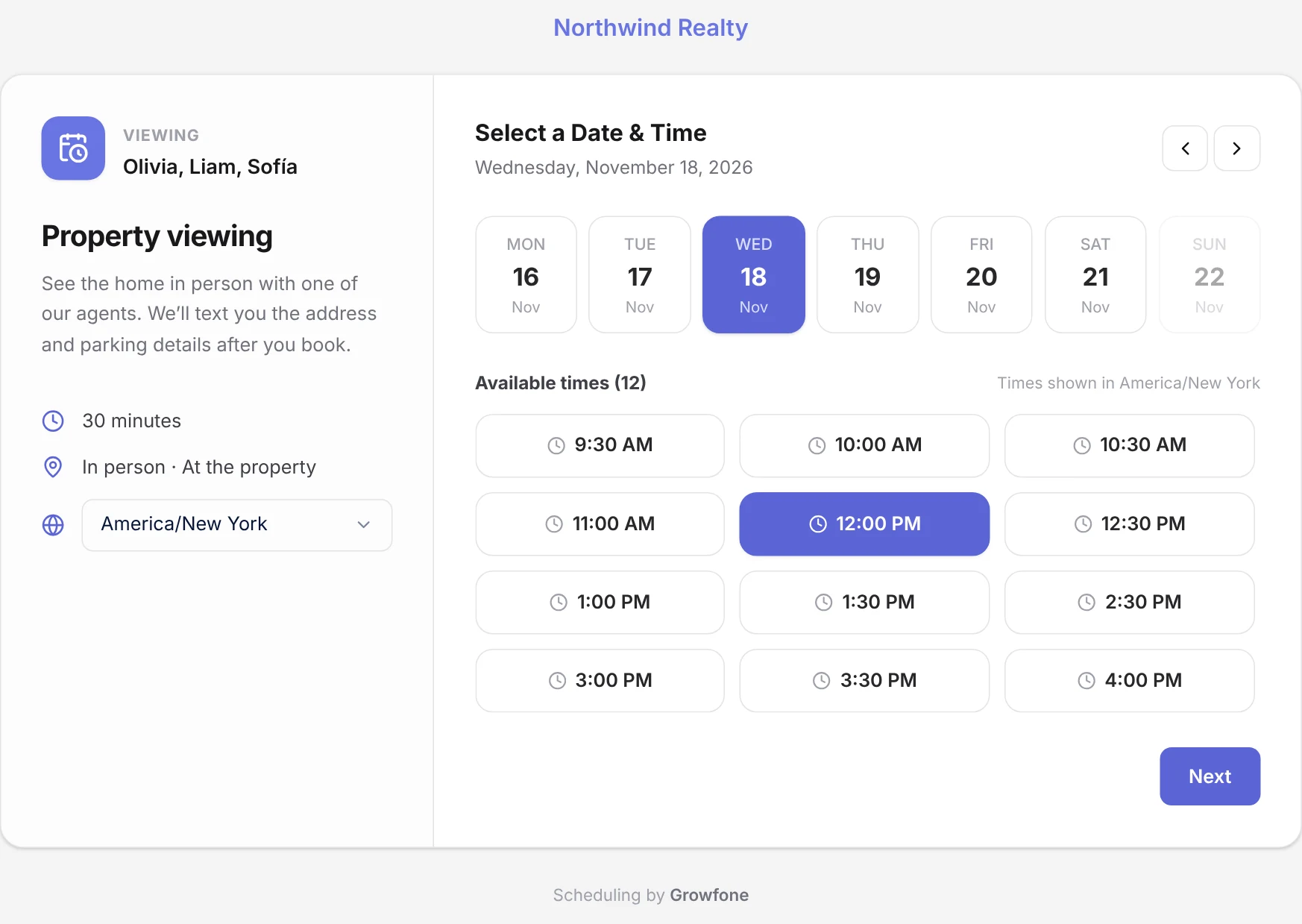
Clear about what, when and where.
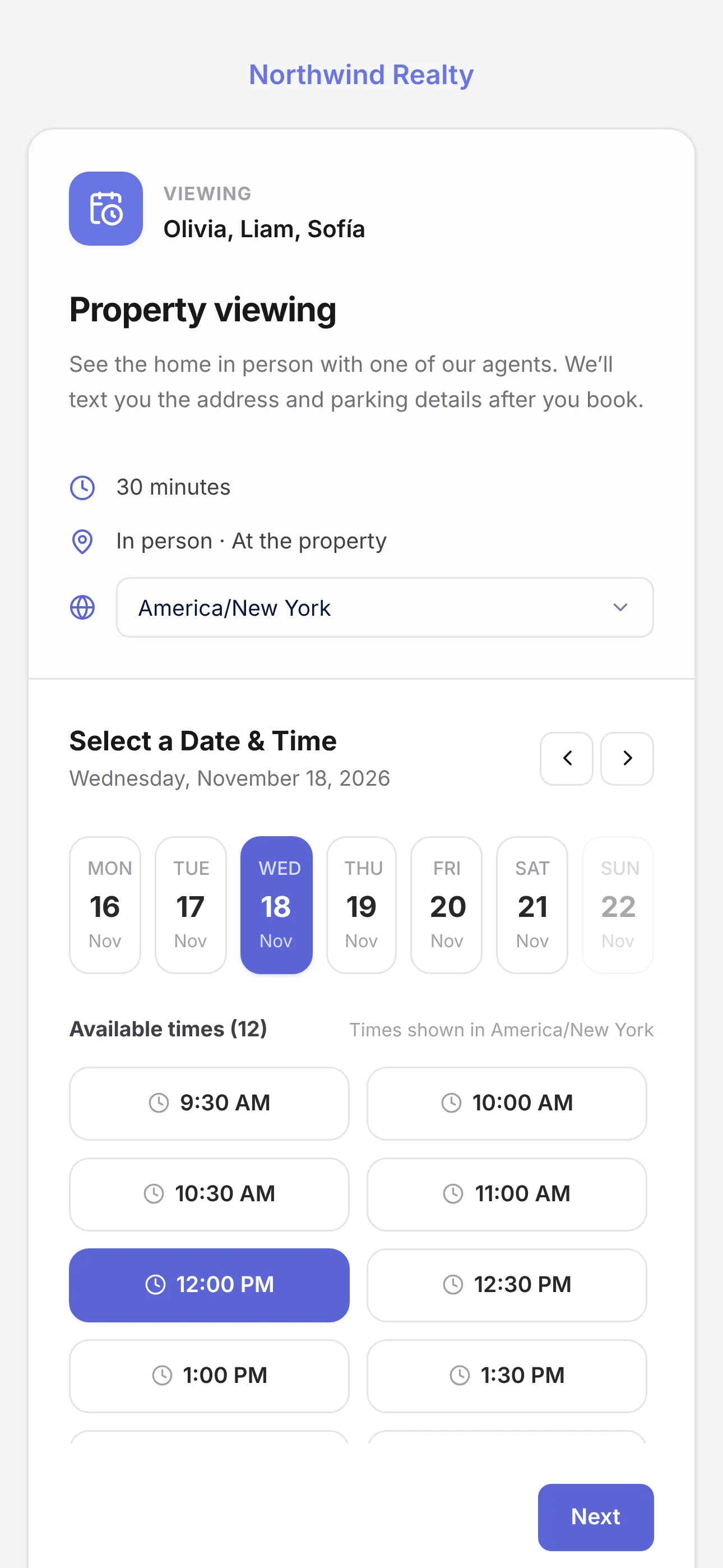
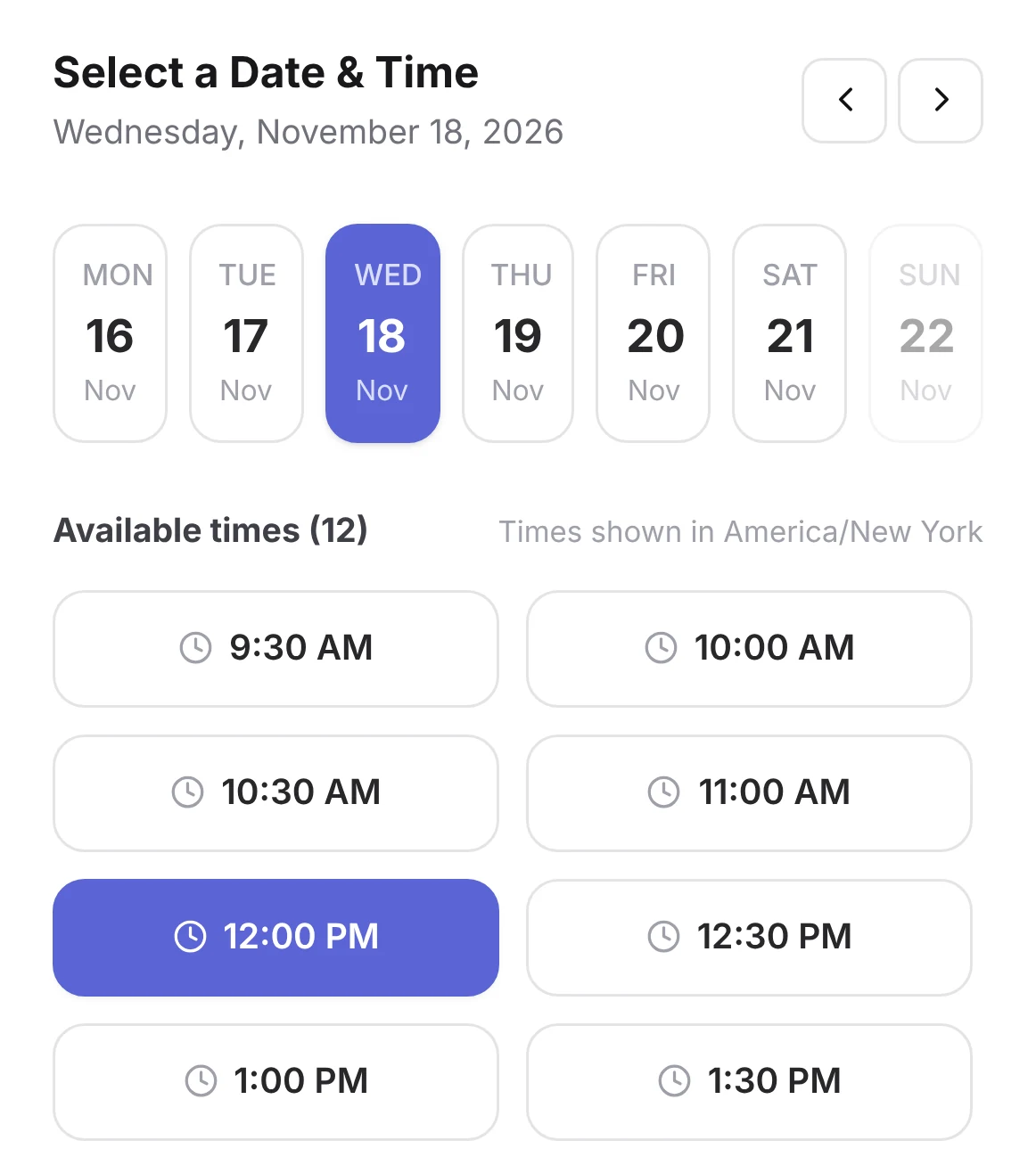
The page says what the meeting is, how long it takes and where it happens, then shows only free times, in the visitor’s own time zone.
- Google Meet, Teams, phone, in person or your own link
- Free times only: busy events, buffers and notice are taken out
- Visitors can switch the time zone
Confirmed, reminded, easy to move.
Most people open the link from a chat on their phone and book in a few taps. The confirmation goes out straight away, and reminders follow before the meeting.
- Your own questions on the form
- Confirmation email with a calendar invite, reminders 24 hours and 1 hour before
- Cancel or reschedule from the email
You’re booked
A calendar invite is on its way to your email
Reminders
- 24 hours beforeTue, Nov 17 · 12:00 PM · email
- 1 hour beforeWed, Nov 18 · 11:00 AM · email and text
Lands on your calendar and in the CRM.
The meeting goes on the host’s Google or Outlook calendar, the contact is found or created with a meeting on their timeline, and the host is notified.
- Two-way sync with Google and Outlook
- Reminders by text too, when you have a texting number
- Embed the page on your website
Wed, Nov 18
Sofía Moreno · synced with Google Calendar
Booking page questions
Fill your calendar, not your inbox. Start free today.

